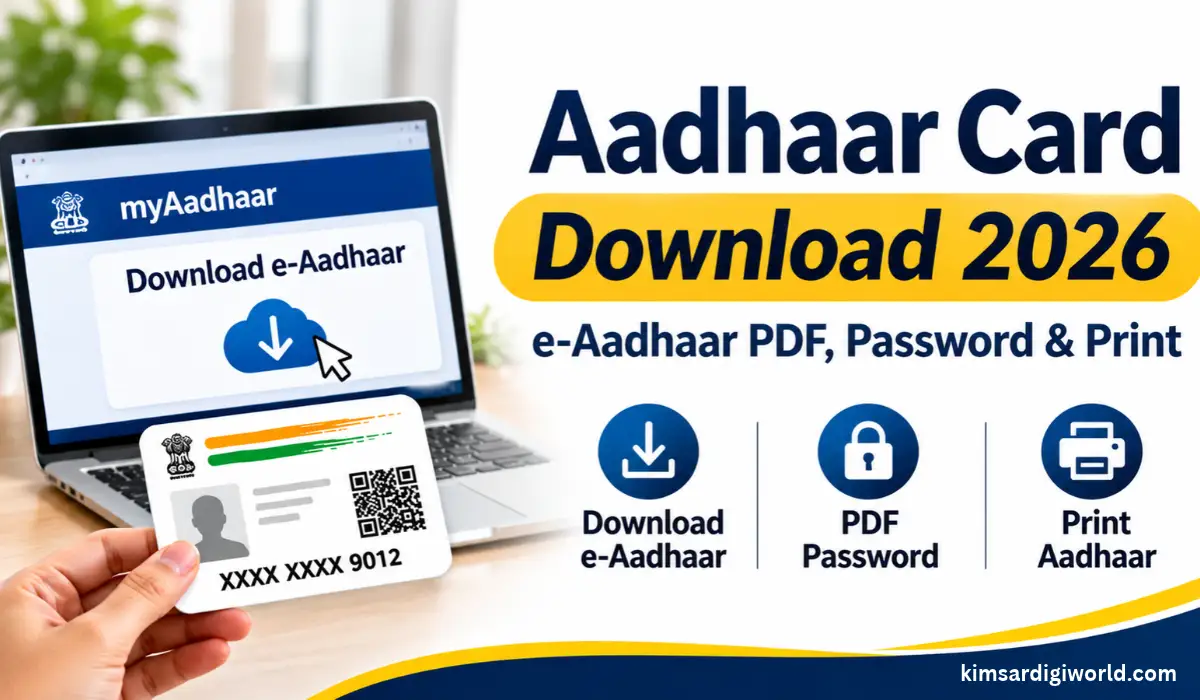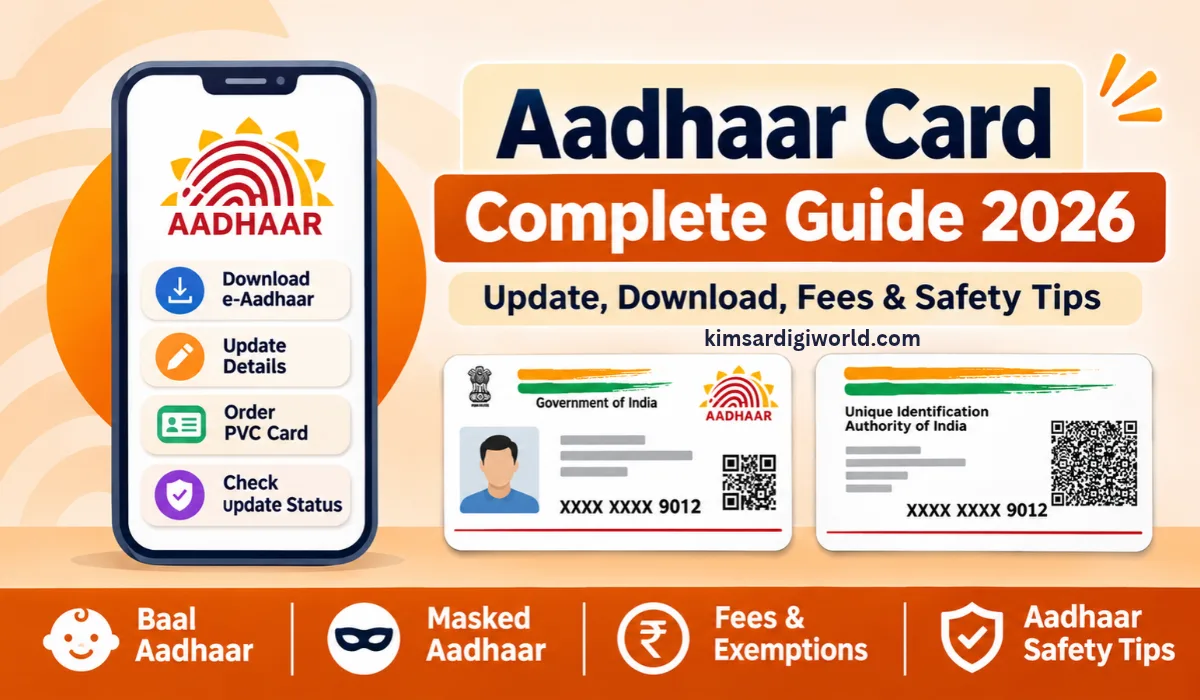
Aadhaar Card Download 2026: Need a digital copy of your Aadhaar card? You don’t have to wait for the physical Aadhaar letter. UIDAI allows Aadhaar holders to download their e-Aadhaar PDF online through the official myAadhaar portal.
The downloaded PDF is password-protected and digitally signed by UIDAI. You can save it on your phone or computer and print it whenever required. Here’s how to download e-Aadhaar, open the PDF and get a printed copy.
What Is e-Aadhaar?
e-Aadhaar is the digital version of your Aadhaar card. It has your Aadhaar details and is e-signed by UIDAI.
Your downloaded e-Aadhaar is the same as your Aadhaar letter. It also contains a password for safeguarding your personal details.
How to Download Aadhaar Card Online?
Download Aadhaar from the official myAadhaar portal. Make sure you have your enrollment details/Aadhaar number and the corresponding cell phone handy.
Follow these steps:
- Visit the official myAadhaar portal.
- Select the Download Aadhaar option.
- Choose Aadhaar Number, Enrolment ID (EID), or Virtual ID (VID), as applicable.
- Enter the required details and captcha code.
- Request an OTP for verification.
- Enter the OTP received on your registered mobile number.
- Submit the details and download your e-Aadhaar PDF.
Your Aadhaar PDF will be saved on your device.
How to Open Aadhaar PDF?
After downloading your e-Aadhaar PDF, you will need a password to open the document. The password is the first 4 characters of your name (in capital letters) + Year of Birth. Password Will Be (1st 4 Chars of Your Name + Birth Year)
| Name | Birth Year | PDF Password |
|---|---|---|
| SURESH KUMAR | 1990 | SURE1990 |
| SAI KUMAR | 1990 | SAIK1990 |
| P. KUMAR | 1990 | P.KU1990 |
| RIA | 1990 | RIA1990 |
Enter the password carefully to open your Aadhaar PDF. These examples follow UIDAI’s official password instructions.
How to Print Downloaded Aadhaar?
Want a physical copy after downloading your e-Aadhaar? You can print the PDF using a home printer or at a nearby printing shop.
Follow these steps:
- Open the downloaded e-Aadhaar PDF.
- Enter the correct password.
- Check that your Aadhaar details are visible and correct.
- Select the Print option.
- Choose the paper size and print settings.
- Print your Aadhaar and keep the copy safely.
Note: e-Aadhaar is equally valid as the physical Aadhaar letter. You do not need to order a PVC card just to use your downloaded Aadhaar.What Is Masked Aadhaar?
If you don’t want to share your complete Aadhaar number, you can download a Masked Aadhaar. It hides the first eight digits and displays only the last four digits, for example, XXXX XXXX 9012.
You can select the Masked Aadhaar option while downloading e-Aadhaar through the official UIDAI service. It is useful when sharing your Aadhaar copy, provided the receiving organisation accepts a masked version.
What to Do If You Cannot Download Aadhaar?
Sometimes, users face problems while downloading their e-Aadhaar. Here are a few common issues and what you can do.
- OTP Not Received: Check your registered mobile number and network connection.
- Incorrect Details: Recheck your Aadhaar number, EID or VID.
- PDF Not Opening: Enter the correct password.
- Download Failed: Try downloading again after some time.
- Aadhaar Not Generated: Check your enrolment status.
Note: If the problem continues, contact UIDAI through its official helpline at 1947.Important Links
| Download e-Aadhaar | Check here |
| myAadhaar Portal | Check here |
| UIDAI Website | Check here |
| Aadhaar App Information | Check here |
FAQs Aadhaar Card Download 2026
Is Aadhaar PDF download free?
Yes. You can download e-Aadhaar free of charge through the official myAadhaar portal.
What is the password for an Aadhaar PDF?
The password is the first four characters of your name in capital letters, followed by your birth year.
Is downloaded e-Aadhaar valid?
Yes. UIDAI confirms that e-Aadhaar is equally valid as the physical Aadhaar letter.
Can I download Aadhaar using my enrolment number?
Yes, you can. After verifying your OTP, you can obtain an e-Aadhaar with Enrollment ID (EID).
Can I print my downloaded Aadhaar?
Yes. Open the PDF using the correct password and print it using a printer.
What is the difference between Aadhaar and Masked Aadhaar?
Normal e-Aadhaar contains the entire Aadhaar number but Masked Aadhaar displays only the last 4 digits and masks the first 8.
Can I download Aadhaar without a registered mobile number?
You generally need access to your registered mobile number to complete OTP verification. If you cannot access it, visit an authorised Aadhaar centre for assistance.
Can I download Aadhaar on my mobile phone?
Yes, you can. You can access the official portal of myAadhaar from your mobile browser and verify the OTP and get the e-Aadhaar PDF.
Disclaimer: This article is for general information. Aadhaar services, verification requirements and portal features may change. Always use the official UIDAI website for downloading your Aadhaar and protecting your personal details.