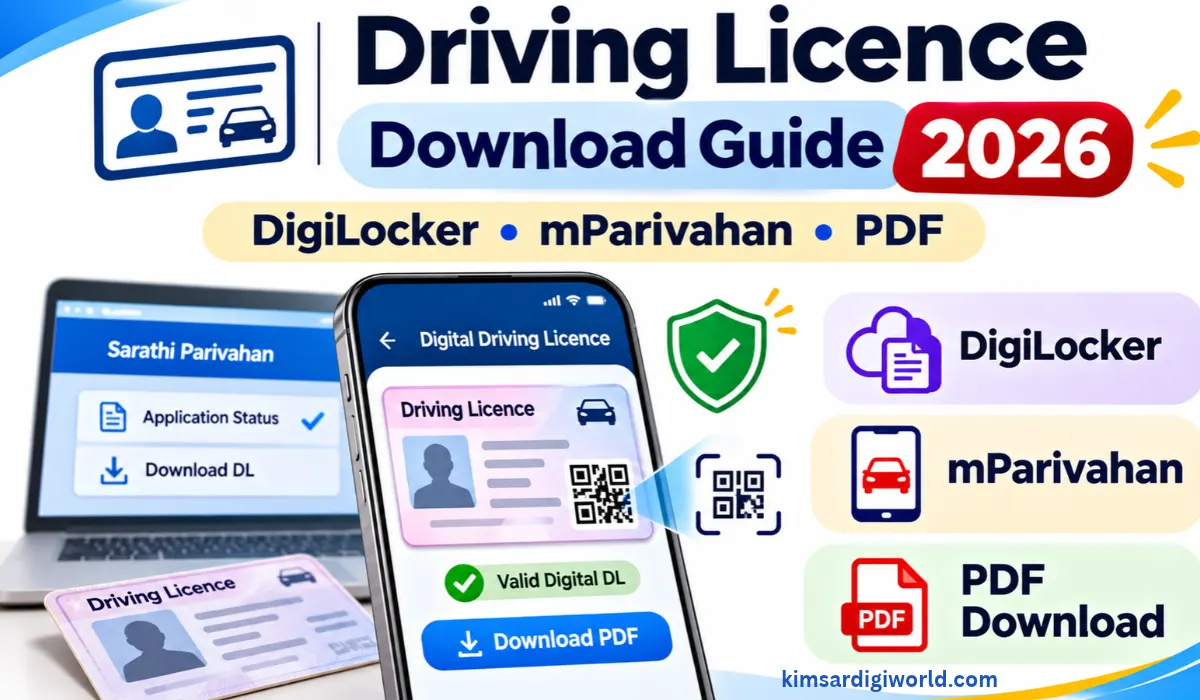
Driving Licence Download Guide 2026: Have you applied for your Driving Licence but haven’t received your card yet? Or maybe you need a digital DL for your phone? Check your licence details and download a digital copy from government sites.
You may check your DL application status on the Sarathi Parivahan portal and check your digital Driving Licence on DigiLocker and the mParivahan app. Here’s how to download your Driving Licence PDF, check details, and resolve issues when Driving Licence details are not available online.
How to Download Driving Licence PDF Online
You can access your digital driving licence through DigiLocker. Follow these steps:
- Visit the official DigiLocker website or open the DigiLocker app.
- Sign in to your account or create one if you are a new user.
- Go to the Search Documents section.
- Search for Driving Licence and select the relevant issuing authority.
- Enter your driving licence number and other required details.
- Complete the verification process, if requested.
- Once your licence is fetched, open the issued document and download the available PDF.
Important: Make sure you access the licence under the Issued Documents section. A document uploaded manually by you is not the same as an electronically issued document.Download Driving Licence Through mParivahan App
You can also access your driving licence through the official mParivahan platform.
- Download the mParivahan app from the official app store.
- Open the app and complete the required registration or sign-in process.
- Select the Driving Licence option.
- Enter your DL number and the details requested.
- Follow the on-screen instructions to view or add your licence.
- Access the available Virtual DL in the app.
The services displayed may depend on the availability of your licence record and the app’s current features.
How to Check Driving Licence Details Online
If you already have a DL number and want to verify your licence details, use the Parivahan portal.
- Visit the Parivahan Driving Licence Status page.
- Enter your driving licence number.
- Provide your date of birth and the requested details.
- Complete the verification process.
- Submit the information to view the available licence details.
The information displayed depends on whether your driving licence record is available in the online database.
What If Your Driving Licence Is Not Showing Online?
Sometimes, your driving licence may not appear on DigiLocker or mParivahan. This does not always mean that your licence is invalid.
Try these checks:
- Enter your DL number exactly as printed on your licence.
- Check whether your name and date of birth match the official records.
- Confirm that your licence details are available in the national database.
- Try checking the record through the Parivahan portal.
- If the details are still missing, contact your concerned RTO or transport department.
Older driving licence records may need to be updated or migrated by the concerned RTO before they become available through digital services.
Is a Digital Driving Licence Valid in India?
Yes. As per government guidelines, a Driving Licence accessed through the Issued Documents section of DigiLocker or the Virtual DL feature in the mParivahan app is recognised as a valid digital licence.
You do not need to carry an ordinary screenshot or a manually uploaded image. Keep your official digital DL accessible through the app so it can be verified whenever required.
How to Check Driving Licence Dispatch Status
If your Driving Licence application shows Approved but you have not received the physical card, first check the latest status on the Sarathi Parivahan portal.
If dispatch details or a tracking number are unavailable, contact your concerned RTO or State Transport Department to enquire about the delivery status. The dispatch and delivery process may vary from state to state.
Important Instructions
- Use only official Parivahan, Sarathi, DigiLocker and mParivahan services.
- Keep your DL number and date of birth ready before checking your details.
- Do not share your OTP, password or personal information with unknown callers or websites.
- Check your licence details carefully after downloading the digital copy.
- If your record is missing or incorrect, contact the concerned RTO for assistance.
Important Links
| Check Driving Licence Details | Parivahan DL Status |
| Download Digital DL | DigiLocker |
| Access Virtual Driving Licence | mParivahan |
FAQs on Driving Licence Download Guide 2026
How can I download my driving licence PDF online?
You can log in to DigiLocker, search for Driving Licence, and have the document issued.
Can I download my driving licence without visiting the RTO?
Sure. Firstly, you can only see your licence record online if that information is available online.
Is a DigiLocker driving licence valid in India?
Yes, a driving licence is a valid digital document under the Rules and is available in Issued Documents in DigiLocker.
Why is my driving licence not showing in DigiLocker?
There may be some mismatch, or you have not uploaded your licence record in the online database. If you have some complaints, go to your local RTO.
Can I use mParivahan instead of carrying my physical driving licence?
Yes, mParivahan offers a digital driving licence.
What should I do if my driving licence is approved but not delivered?
You can trace your application for delivery status. If it does not provide you with tracking details, then contact the concerned RTO.
Can I check my driving licence details using my DL number?
Yes, you can visit the Parivahan Driving Licence Status page and can check the details as per your DL number and DOB.
Disclaimer: This information is provided for general informative purposes only. Online services and driving license records for the states may differ. See these details on the government website or your concerned RTO. Kimserdigiworld is not liable for any change made by the respective authorities.