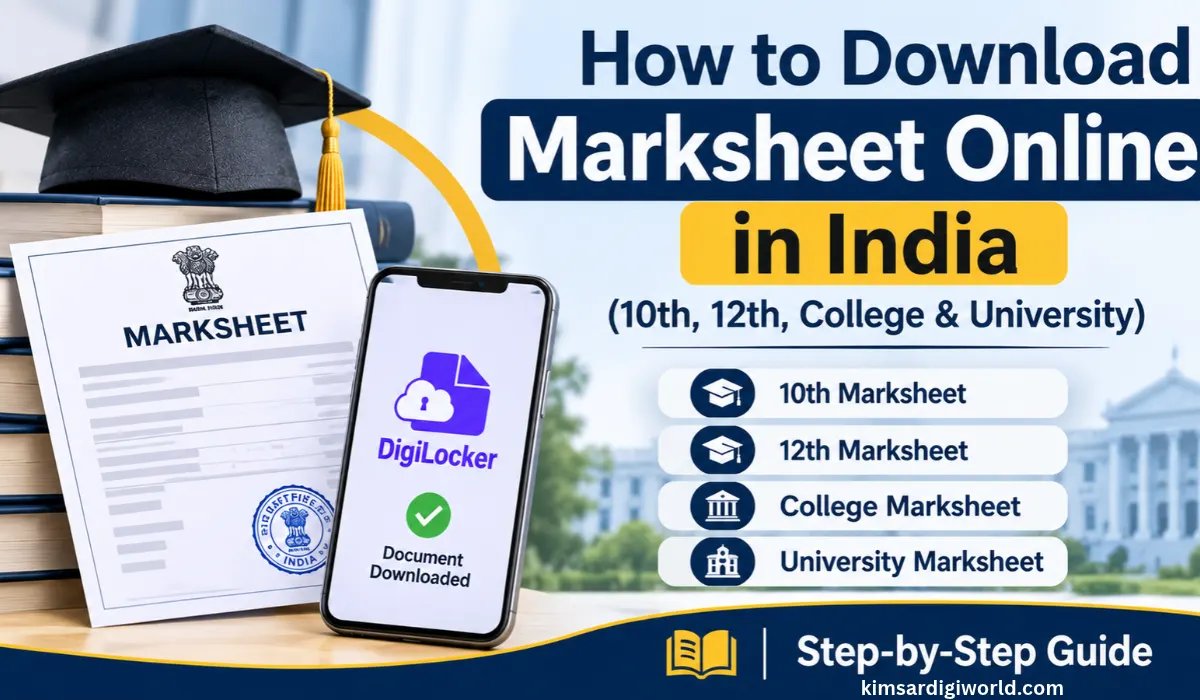
How to Download Your Marksheet Online in 2026: An admission form is nearly complete, a job application is waiting—and then you’re asked to upload a marksheet you can’t find. Before turning every cupboard upside down or travelling to your old school, check whether an official digital copy is available.
Class 10, Class 12 and university marksheets may be available through DigiLocker or the issuing institution’s portal. But there’s no single website that can download every marksheet. Your board, university and examination year decide where to look.
Download Marksheet Online: Overview
- Documents Covered: Class 10, Class 12, and college or university marksheets.
- Main Download Methods: DigiLocker and official board or university websites.
- Details You May Need: Roll number, examination year, registration number, or date of birth.
- Document Availability: Depends on the issuing authority and examination year.
- Download Fees: DigiLocker document retrieval is free. However, some institutional services may charge a fee.
- If Your Marksheet Is Missing: Contact your respective education board, school, college, or university.
- Important to Remember: A screenshot of an examination result is not necessarily an officially issued marksheet.
Can You Download Any Marksheet Online?
Not always. Some boards and universities have provided digital marksheets for many years; others cover only selected examinations or batches.
You might find one of three things:
- An official digital marksheet: Issued through DigiLocker or the institution’s authorised service.
- An online result: Useful for checking marks, but it may be provisional.
- No online record: The document may need to be obtained from the issuing office.
A missing search result doesn’t mean your marksheet has disappeared. Older records may still be held offline.
Benefits of Downloading Your Marksheet Online
- Save a trip: If your record is available online, you may not need to visit your old school or university.
- Get paperwork ready sooner: Download an official copy for admissions, scholarships or job applications, following their document requirements.
- Keep a backup: A saved digital copy can help when the paper marksheet is misplaced or damaged.
- Access it when you need it: An issuer-fetched document in DigiLocker stays available in your account.
- Make verification easier: Where supported, official digital marksheets can be shared or verified through the issuer’s service or DigiLocker.
These benefits depend on your marksheet being available through an authorised online service.
Keep These Details Ready
You don’t need every item below for every portal, but having them nearby can save you an interrupted application.
- Board or university name.
- Examination name and passing year.
- Roll number.
- Registration or enrolment number.
- Date of birth.
- School or college details, where requested.
- Access to your registered mobile number or student account.
An old admit card can be especially helpful. It may contain the roll number you’ve forgotten.
How to Download a Marksheet Through DigiLocker
DigiLocker lets users fetch documents from participating issuers. Availability depends on whether your board or university provides the relevant record.
1. Open the Official Website or App
Visit digilocker.gov.in or use the official DigiLocker app.
Sign in or create an account using the current instructions. Complete any identity verification required for the document service.
2. Search for Your Board or University
Open the document-search section and search for the issuing authority.
Choose carefully: similarly named universities or boards may appear. Your college may teach the course, while the university is the actual marksheet issuer.
3. Select the Correct Document
Look for the relevant marksheet service, such as Class X, Class XII or a university examination record.
A marksheet, passing certificate and degree certificate are different documents. Select the one your application actually asks for.
4. Enter Your Examination Details
Provide the roll number, passing year and other information requested. Check every digit before submitting.
Complete the consent or verification steps shown on the screen.
5. Fetch and Save the Document
If the issuer finds the record, fetch it into your account. Check Issued Documents, open the marksheet and use the available download or sharing option.
Menu names may change, but the basic task remains the same: find the issuer, request the record and save the issued document.
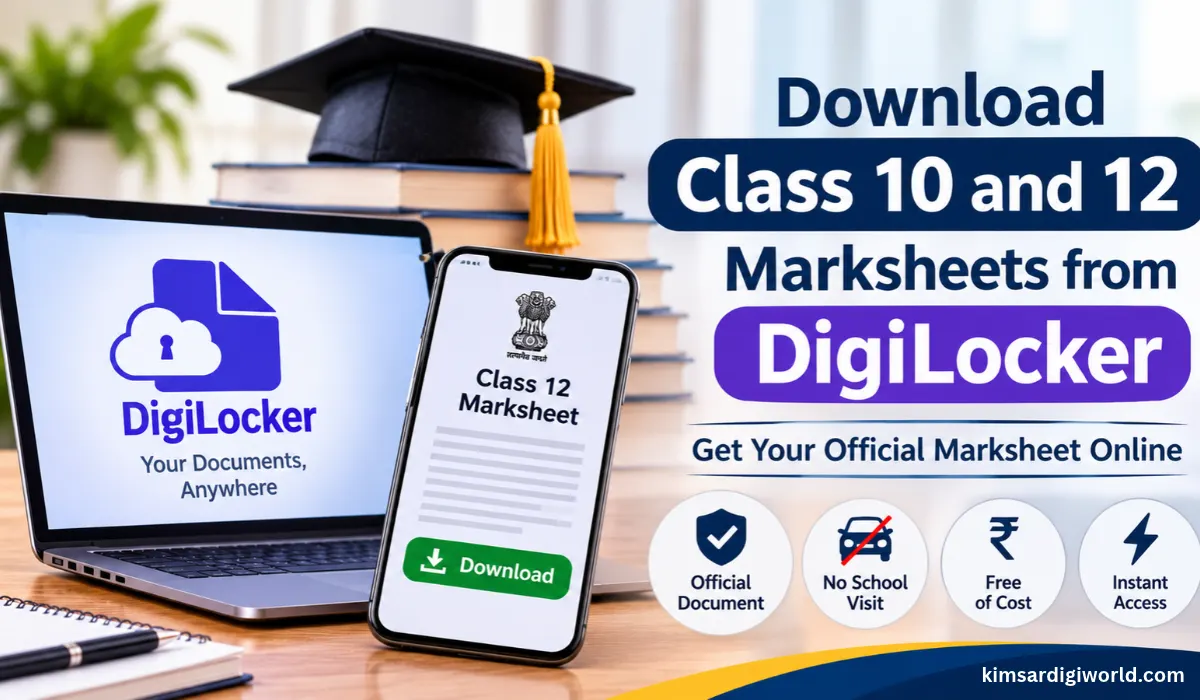
How to Download Class 10 and Class 12 Marksheets
Start with DigiLocker or your board’s official website—not a random result link shared in a message.
On the board website:
- Find the examination, certificate or digital-document section.
- Select Class 10 or Class 12 and the correct year.
- Follow the board’s download instructions or its link to DigiLocker.
- Enter the requested examination details.
- Check whether the document offered is a marksheet or only a provisional result.
If your year isn’t listed, contact your school or board. You may need a separate certificate-service application.
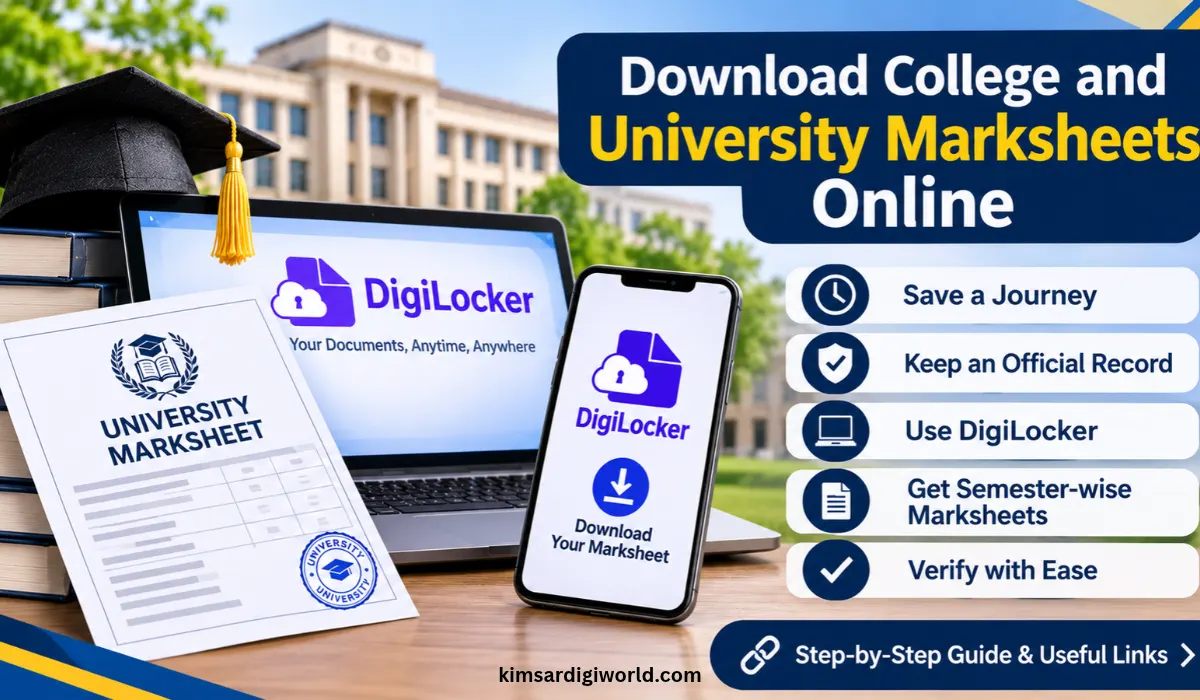
How to Download College or University Marksheets
University systems vary more than school-board services. Some offer semester marksheets through student accounts; others issue digital documents through DigiLocker.
- University Student Portal: Check your examination history, semester results, and available document downloads.
- University Examination Website: Look for marksheet, transcript, or certificate download services.
- DigiLocker: Check whether your university, course, and examination year are supported.
- College or Examination Office: Contact the office for help locating academic records or requesting an official marksheet copy.
If you’ve lost access to your student account, use the official password-recovery process or contact the institution.
Also check whether you need individual semester marksheets or a consolidated marksheet. One may not replace the other for your application.
What If Your Marksheet Isn’t Showing Online?
Try these checks before assuming something is wrong:
- Have you selected the correct issuer and examination year?
- Is the roll or registration number accurate?
- Do the personal details match the issuer’s records?
- Does the service cover your course or batch?
- Has the institution made the document available yet?
If everything looks correct, contact the issuer with your examination details and the error message. Use DigiLocker support for platform problems, but changes to marks or academic records must be handled by the issuing authority.
Lost the Original? You May Need a Duplicate
Downloading an available digital document and requesting a replacement paper marksheet are separate processes.
If you need another physical copy, check your board or university’s duplicate marksheet procedure. Documents, fees and processing times vary. Don’t arrange an affidavit or police complaint unless the authority requires one.
Is a DigiLocker Marksheet Valid?
An authentic document fetched from a participating issuer into Issued Documents is recognised under the applicable DigiLocker framework.
Uploading your own scan is different—it doesn’t turn that scan into an issuer-authenticated record. For admissions or recruitment, also follow the receiving organisation’s instructions on sharing, uploading and verification.
Useful Links
| DigiLocker | Download digital marksheets |
| NAD | Access academic records |
| CBSE | CBSE certificates and services |
| CBSE Results | Check board results |
Note: Document availability depends on the issuing authority and examination year.FAQs on How to Download Your Marksheet Online
Can I download a marksheet without my roll number?
Some services accept other details, but many require it. Check your admit card or ask your school, college or examination office.
Can I download a marksheet from many years ago?
Possibly. Availability depends on the issuer’s digital records. If it isn’t online, ask about an offline search or certified copy.
Is downloading a marksheet free?
Fetching documents through DigiLocker is free. Universities and boards may charge for duplicate copies, transcripts or other services.
Can I correct my marks through DigiLocker?
No. Contact the issuing board or university about an error. DigiLocker displays the document supplied by the issuer.
Can I use a result screenshot instead?
Don’t assume so. Check whether the organisation accepts provisional results or requires an official marksheet.
Conclusion
Start with the issuer and passing year, then check DigiLocker or the official examination portal. If the record isn’t available, ask about a certified or duplicate copy. That’s safer than paying someone who promises to download “any marksheet.”